Matter with eWeLink: Supported Devices, Setup, and Pairing Tips
See which Matter devices work with eWeLink and how to set them up.

A smarter home is not just about devices. It is about the small moments in your day — leaving home, checking in, coming back, and winding down — where a little help can make life easier.
With the eWeLink App, you can check devices, turn devices off remotely, create scenes for repeated routines, and share control with the people you live with. It is not about making your home complicated. It is about making daily life easier to manage.
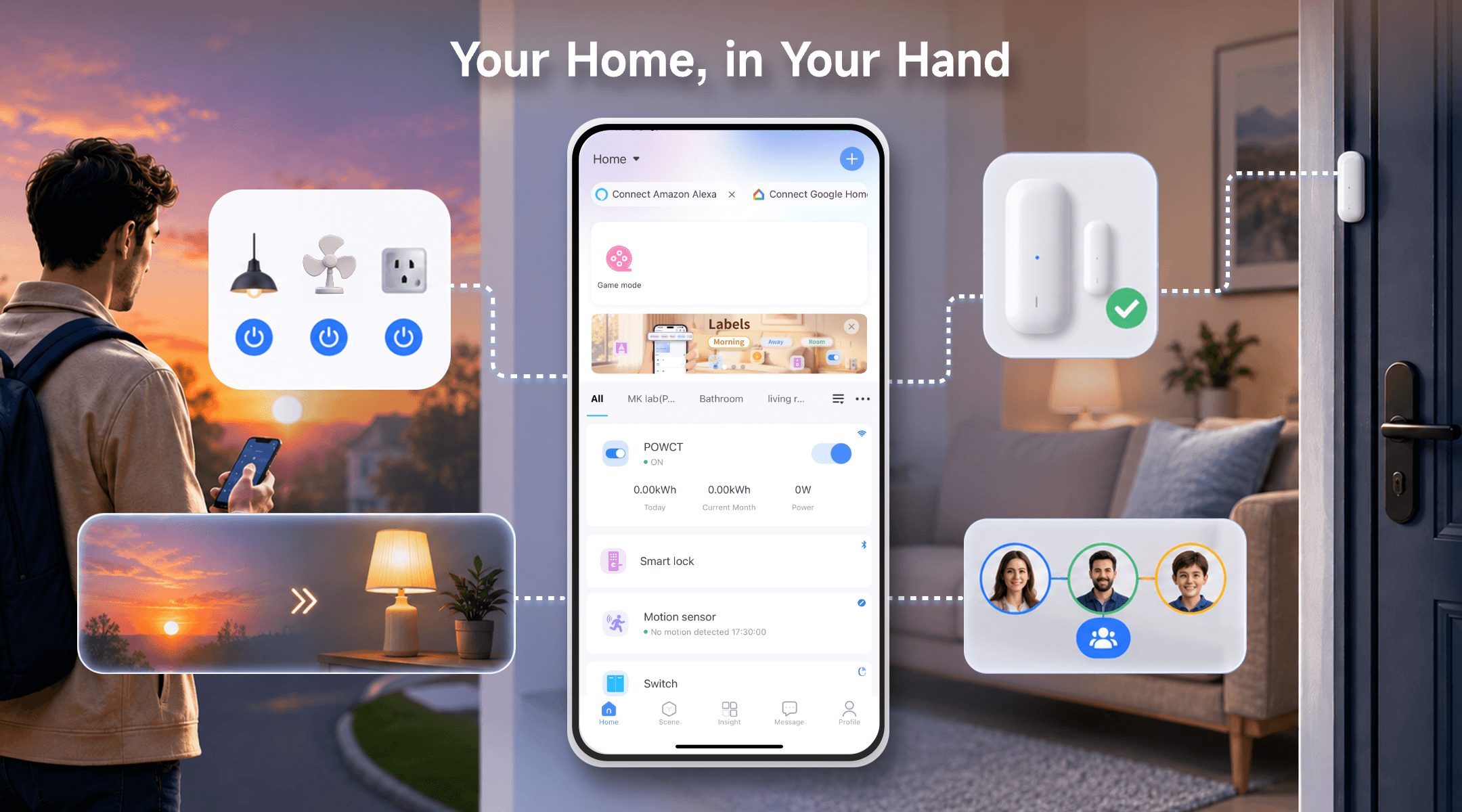
Leaving often starts the same mental loop: Did I turn off the lights? Is the fan still running? Did I leave a window open?
With eWeLink, you can check the status of connected devices from your phone and turn things off remotely when needed. You can also make the checklist easier with a Leave Home scene — one tap that switches off the devices you usually check one by one.
A door or window sensor can also show whether it is open or closed, so you have one less thing to second-guess after you leave.
For example:
Leave Home → Turn off selected lights, fans, and plugs
Door/window sensor → Check open or closed status in the app
Forgot a lamp? → Turn it off remotely from your phone
When family members are at home — kids, elderly parents, or pets — small updates can help you stay aware without being intrusive.
A temperature and humidity sensor can monitor whether a room is getting too warm or too dry, and trigger a connected fan or send you an alert. A door sensor can let you know when someone arrives home, such as after school or after work. An indoor camera placed in a shared area can give you a quick visual check when needed.
The goal is not to watch every moment. It is to stay gently connected to what matters at home, without having to call or interrupt anyone.
Some things happen at the same time every day. Lights on in the evening. Selected devices off before bed. Entryway light on when someone comes home.
With eWeLink Scenes, these routines can run automatically or with one tap — based on time, sunrise and sunset, device status, or sensor readings.
Here are a few useful scenes worth setting up:
Good Morning
Turn on the bedroom light and selected plugs.
Back Home
Turn on the entryway light when the front door opens in the evening.
Good Night
Turn off selected lights and plugs with one tap or at a set time.
Motion Detected
Turn on the hallway light when someone passes by in the evening.
Sunset
Turn on the living room lamp automatically in the evening.
Once a scene works the way you like, it becomes one less thing to think about.
Smart home control works better when everyone has the access they need. With eWeLink sharing features, the people who live with you can control the devices they use every day — without sharing your account.
Use Home Sharing to give a family member access to multiple devices in the same home. Use Device Sharing to share just one or two specific devices, such as the living room lights, a shared plug, or a fan.
You stay in control of what each person can access, and you can update or remove access any time from Profile > Manage Sharing in the eWeLink App.
You do not need to set up everything at once. Start with whatever feels most repeated, most useful, or most worth solving.
Daily Need | What Can Help |
Lights or fans you often forget to turn off | Smart plug, smart switch, remote control |
A bedtime routine you repeat every night | Manual scene or time-based auto scene |
A door or window you want to check | Door/window sensor |
Devices the whole family uses | Home sharing or device sharing |
Repeated actions throughout the day | Timer, auto scene, or manual scene |
One routine working reliably is more useful than a complex setup that needs constant adjusting. Build from there.
A smarter home does not have to start with a full setup. It can start with one lamp, one plug, one sensor, or one routine that saves you time every day.
Use the eWeLink App to check your devices, control them remotely, create scenes, and share access with the people who need it.
Choose what matters most in your home, and let eWeLink help make everyday living a little easier.
What important features are we missing? We’d love to hear from you! Join our discussion here.
See which Matter devices work with eWeLink and how to set them up.
Manage devices faster from the eWeLink Home page.
Run your favorite eWeLink manual scenes with Siri voice commands on your iPhone.
Set a duration to confirm device state and run scenes reliably.