Matter with eWeLink: Supported Devices, Setup, and Pairing Tips
See which Matter devices work with eWeLink and how to set them up.

Staying comfortable at home often comes down to the right balance of temperature and humidity. That’s where the Home Ambience section in the eWeLink App comes in—it’s designed to help you keep an eye on your home’s environment at a glance.
As a key section within Insight, Home Ambience is designed for monitoring your home’s environment. It gathers real-time temperature and humidity data from your compatible sensors, giving you a clear picture of your home’s climate at a glance.
You no longer need to search for the specific device card to see your NSPanel’s temperature. With V5.20, this data is seamlessly streamed to the Insight > Home Ambience section. Now, get a quick, consolidated overview of your home’s environment—including the temperature from your NSPanel—all in one dedicated space, making monitoring more efficient than ever.
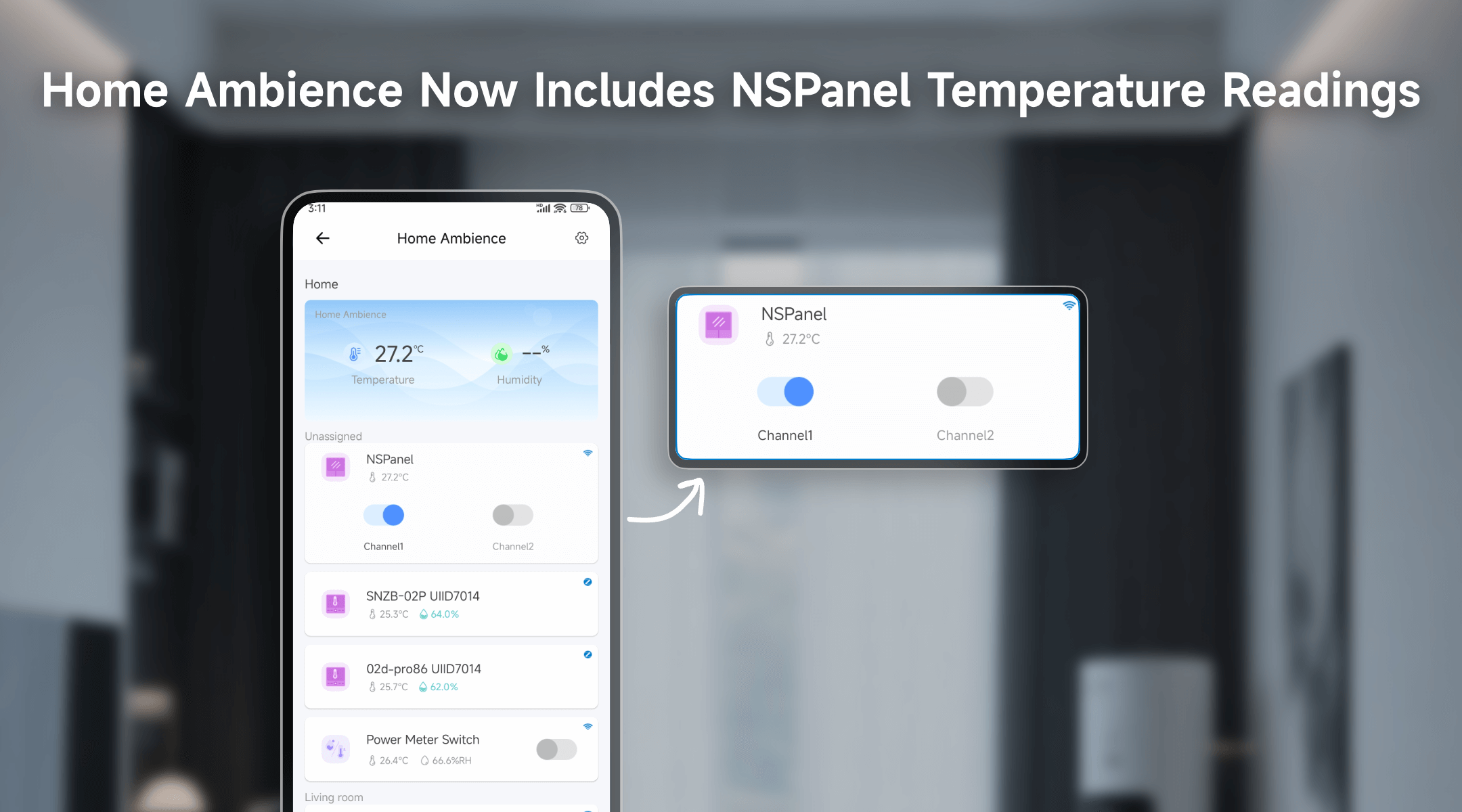
Imagine this:
This makes it easy to track real-time temperature across different rooms—all within the app.
The Insight tab goes beyond temperature monitoring. You can customize it to include:
The V5.20 update makes NSPanel even more useful by bringing its temperature sensor into the eWeLink App’s Home Ambience. It’s a simple addition, but one that gives you more clarity about your indoor comfort—without having to check each device individually.
What important features are we missing? We’d love to hear from you! Join our discussion here.
See which Matter devices work with eWeLink and how to set them up.
Manage devices faster from the eWeLink Home page.
Run your favorite eWeLink manual scenes with Siri voice commands on your iPhone.
Set a duration to confirm device state and run scenes reliably.