Going Away? Make Your Home Look Lived-In with eWeLink
Make your home look lived-in and stay connected while you’re away.

If you’ve ever found that a smart home app works with only certain devices, Matter is designed to address that challenge. Developed by the Connectivity Standards Alliance (CSA), Matter is an open, IP-based smart home standard that helps compatible devices from different brands work together across supported platforms. It runs over Wi-Fi, Ethernet, and Thread and is supported by major smart home platforms and ecosystems, including Apple Home, Google Home, Amazon Alexa, Samsung SmartThings, and eWeLink.
What Matter brings to your smart home:
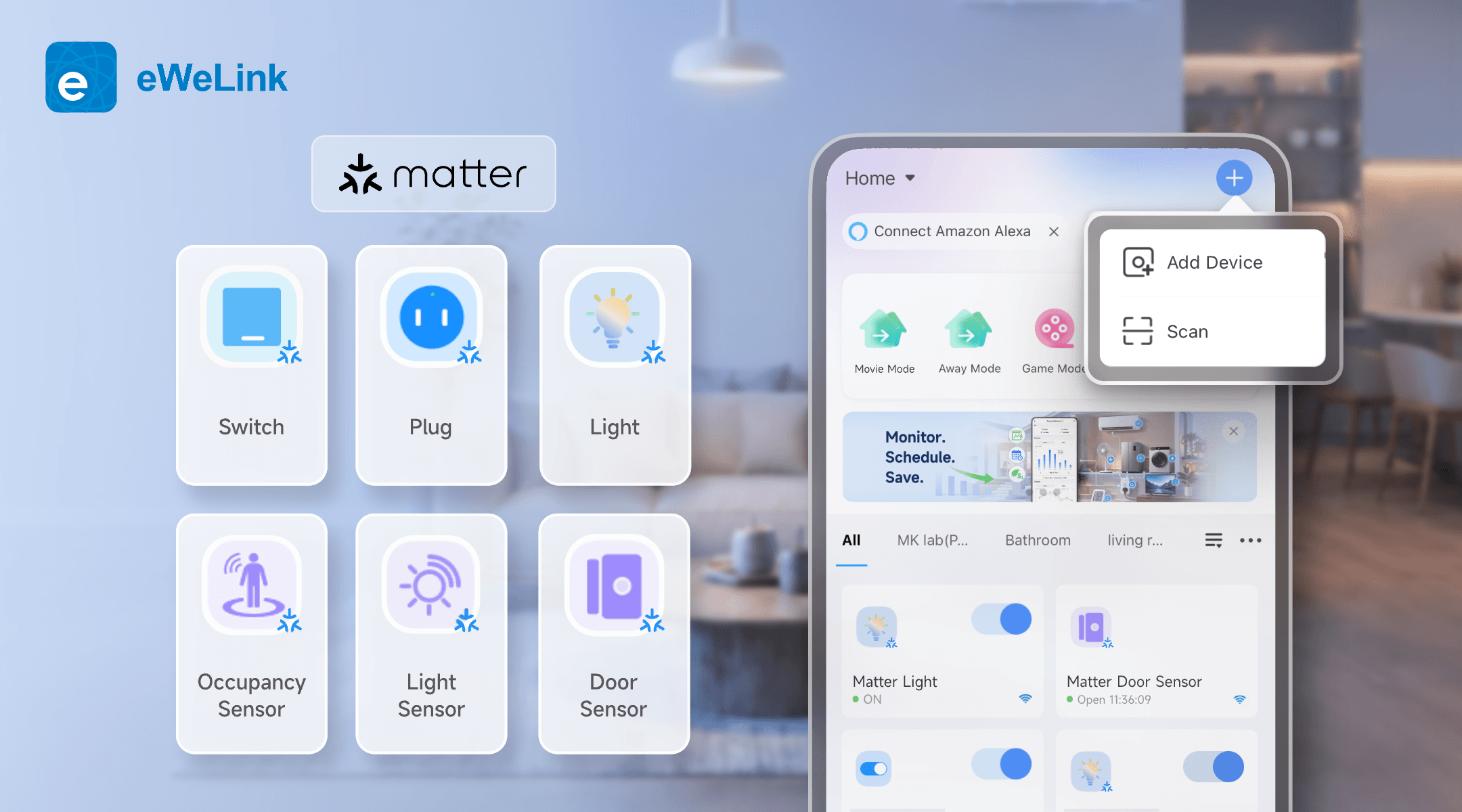
Since introducing Matter support in eWeLink App V5.0, eWeLink has steadily expanded the range of Matter device types it supports. Here’s an overview of what’s currently supported:
Category | Device Types |
Plugs & Switches | Matter Plug, Matter On/Off Light Switch |
Lighting | Matter Extended Color Light, Matter Color Temperature Light, Matter On/Off Light, Matter Dimmable Light |
Sensors | Matter Temperature and Humidity Sensor, Matter Door Sensor,Matter Occupancy Sensor, Matter Light Sensor |
Controls | Matter Generic Switch |
Bridges | Matter Bridge ( brings supported non-Matter devices, such as Zigbee devices, into the Matter ecosystem ) |
This gives you a broader Matter-based setup in eWeLink, covering lighting, switching, environmental monitoring, occupancy, and door status.
The real power of Matter on eWeLink isn’t just device compatibility — it’s what you can do with it:
Before you begin, make sure you have:
Keep the eWeLink app, Matter Hub, and device firmware updated to their latest available versions for the best compatibility.
Getting started is straightforward:
Already using a Matter device with another platform? Use that platform to generate a new pairing code, then enter the code in eWeLink and follow the on-screen instructions to complete the setup.
Matter setup is usually straightforward, but if pairing fails, try the following:
Matter gives you more freedom to choose compatible devices from different brands, while eWeLink brings them together for control and automation. Start with the devices that fit your home, connect them through scenes, and let them work together around your daily routines.
What important features are we missing? We’d love to hear from you! Join our discussion here.
Make your home look lived-in and stay connected while you’re away.
Discover how eWeLink LAN Control enables local control of compatible devices.
Check on your pets and manage your home remotely while away.
Discover how to control, schedule, and automate your lights with eWeLink for a smarter, more comfortable home.