Matter with eWeLink: Supported Devices, Setup, and Pairing Tips
See which Matter devices work with eWeLink and how to set them up.

In eWeLink V5.22, Prime members now get higher limits for three commonly used capabilities: Virtual Devices, Thermostat Plugins, and Device Sharing. If you’ve ever had to simplify your setup because you hit a cap, these increased limits make it easier to expand.
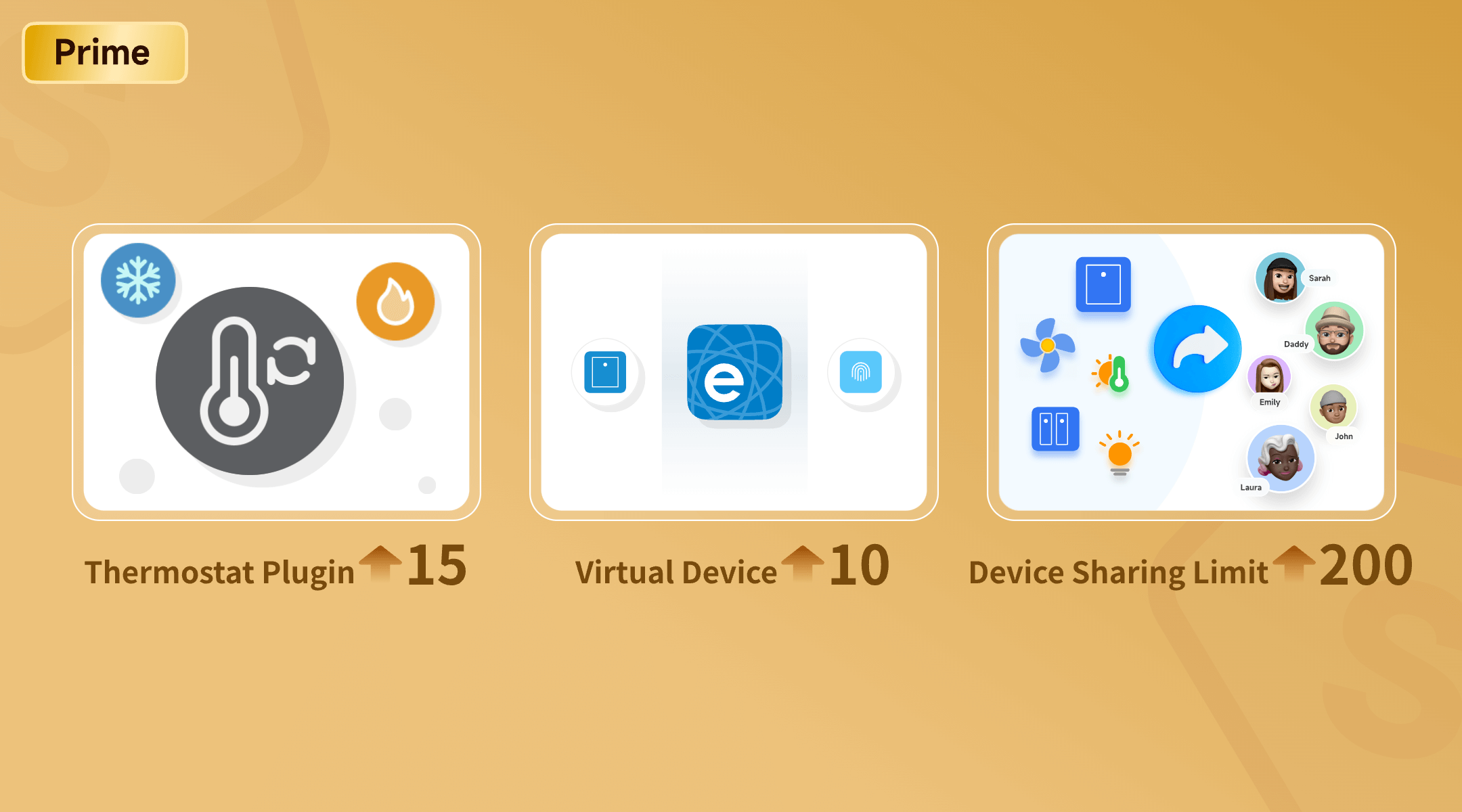
Feature | Free | Advanced | Prime |
Virtual Devices | 0 | 5 | 10 |
Thermostat Plugins | 3 | 10 | 15 |
Device Sharing Limits | 20 | 100 | 200 |
These increases are mainly about flexibility: more virtual devices for scenes and automation, more rooms/zones for temperature routines, and more sharing capacity for households and teams. In practice, higher limits simply mean fewer trade-offs. Let’s look at what each upgrade enables in everyday use.
Virtual devices are app-based virtual switches and buttons. They aren’t tied to any physical device, which makes them a practical way to organize how your home behaves—especially when you want one routine to trigger several actions at once, or when you’re managing devices across different platforms.
Think of a virtual device as a clean “signal” you can reuse across scenes.
Example: Away Mode / Sleep Mode
Create virtual switches like Away and Sleep, then build scenes around them:
Because the trigger is virtual, you can apply the same mode across multiple rooms without relying on one specific sensor or wall switch.
Virtual devices can be synced outward, so you can use them as a single control point in your preferred ecosystem.
Example: One voice command for a full routine
Create a virtual button like Movie Night in eWeLink and use it as the trigger for a scene (for example, dim the lights and close the curtains). Then sync that virtual button to Google Home. From there, a single voice command can trigger the button—and run the entire routine you built in eWeLink—rather than exposing and controlling multiple devices one by one.
The Thermostat Plugin pairs a temperature sensor with an actuator—such as a smart switch connected to a heater, fan, or AC—so your system can maintain a target temperature automatically. Instead of adjusting devices throughout the day, you set preferences and let each room respond based on your routine. But comfort isn’t one-size-fits-all.
With control over up to 15 individual zones, you can:
Personalize Room by Room: Use Preference Modes (Comfort, Eco, Sleep, Home, Away) or set a custom target for each space—keep your home office at 22°C for focus, the nursery at 24°C overnight, and the living room at 21°C for movie night, all running on their own routines.
Balance Comfort and Energy Use: Schedule comfort only when it’s needed, set less-used rooms (guest room, storage) to Eco, and use Keep for short-term needs like “Cool to 25°C for 2 hours,” then return to normal automatically.
Stay on Top of Temperature Changes: Turn on Temperature Deviation Alerts—receive a notice when the current temperature deviates from your target by 3°C/37℉ or 5°C/41℉—so you’ll know if a room drifts due to a sudden weather change, an open window, or a device that isn’t responding as expected.
In short, thermostat plugins help you keep different rooms comfortable with less manual adjusting—and clearer control over when to prioritize comfort or eco.
Sharing your smart home should be effortless, whether with family, friends, or colleagues.
A limit of 200 shared devices enables:
Whether you’re building more routines with virtual devices, extending thermostat control to more rooms, or sharing access with more people, these higher limits simply mean fewer trade-offs as your setup grows. Update to eWeLink V5.22 and see what your Prime membership now makes possible.
What important features are we missing? We’d love to hear from you! Join our discussion here.
See which Matter devices work with eWeLink and how to set them up.
Manage devices faster from the eWeLink Home page.
Run your favorite eWeLink manual scenes with Siri voice commands on your iPhone.
Set a duration to confirm device state and run scenes reliably.