Matter with eWeLink: Supported Devices, Setup, and Pairing Tips
See which Matter devices work with eWeLink and how to set them up.

Looking to unify your smart home ecosystem and enhance automation capabilities? With official eWeLink support now available on Homey, you can seamlessly sync your eWeLink-supported devices to the Homey App, making smart home management more intuitive, centralized, and powerful than ever before.
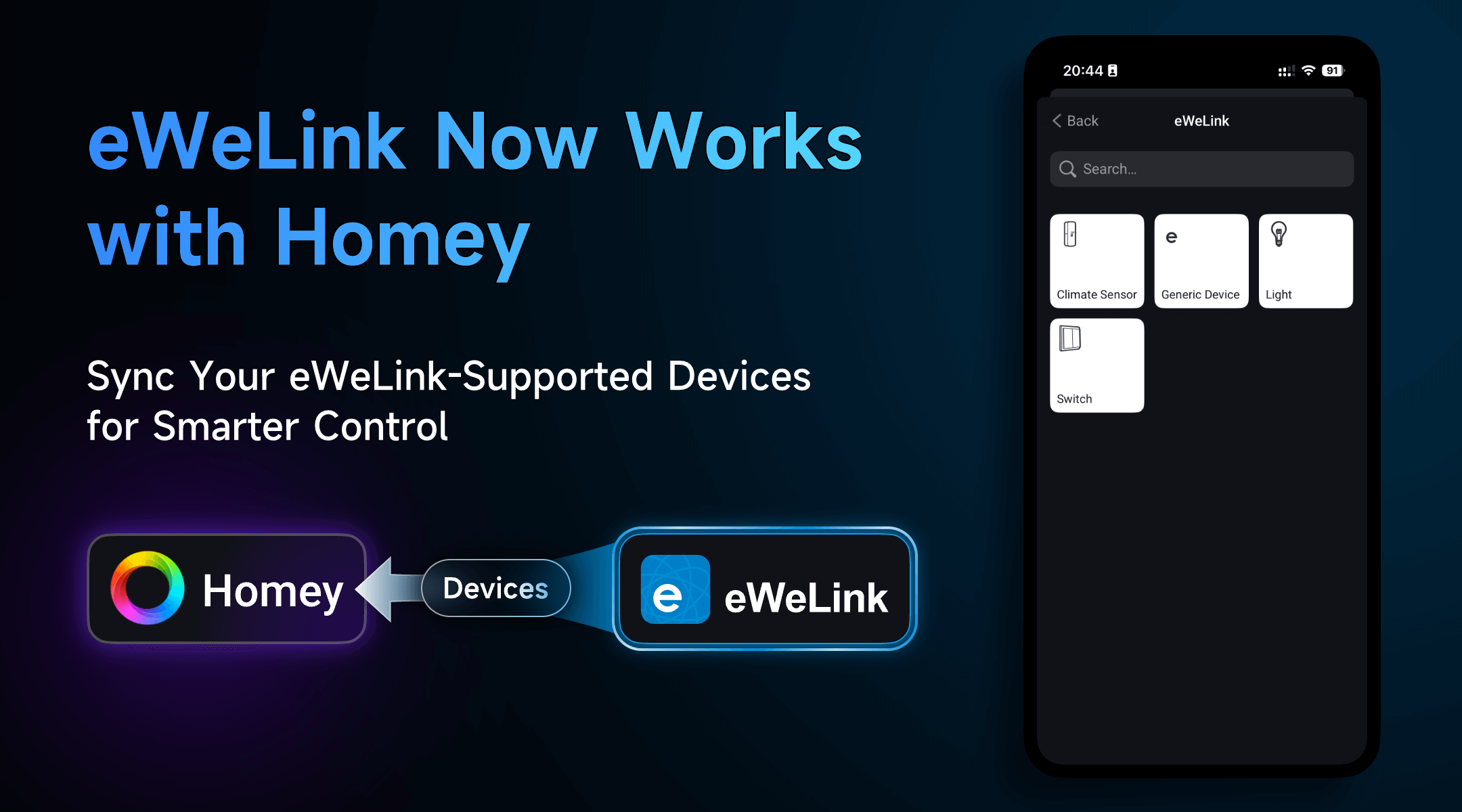
With official eWeLink support on Homey, you can now sync a wide range of eWeLink-supported devices for real-time status updates and remote control. Supported devices include:
● Smart switches
● Smart plugs
● Zigbee door/window sensors
● Zigbee temperature and humidity sensors
● Wi-Fi RGB LED bulbs
Whether you’re managing energy consumption, improving home security, or simply adding ambiance to your space, integrating your eWeLink-supported devices with Homey brings more simplicity and control to your daily routines.
Imagine this: when your door sensor detects that your front door has opened, Homey can automatically turn on your hallway lights (connected via eWeLink-supported smart switch) and send you a notification—no manual effort needed. Or, on a hot summer day, you can set up a Homey Flow where your temperature sensor acts as a trigger—automatically turning on a connected fan or air conditioner through an eWeLink-supported smart plug when the temperature rises.
This kind of cross-platform automation lets your devices work together—no matter the brand—creating a smart home that’s more responsive and personalized.
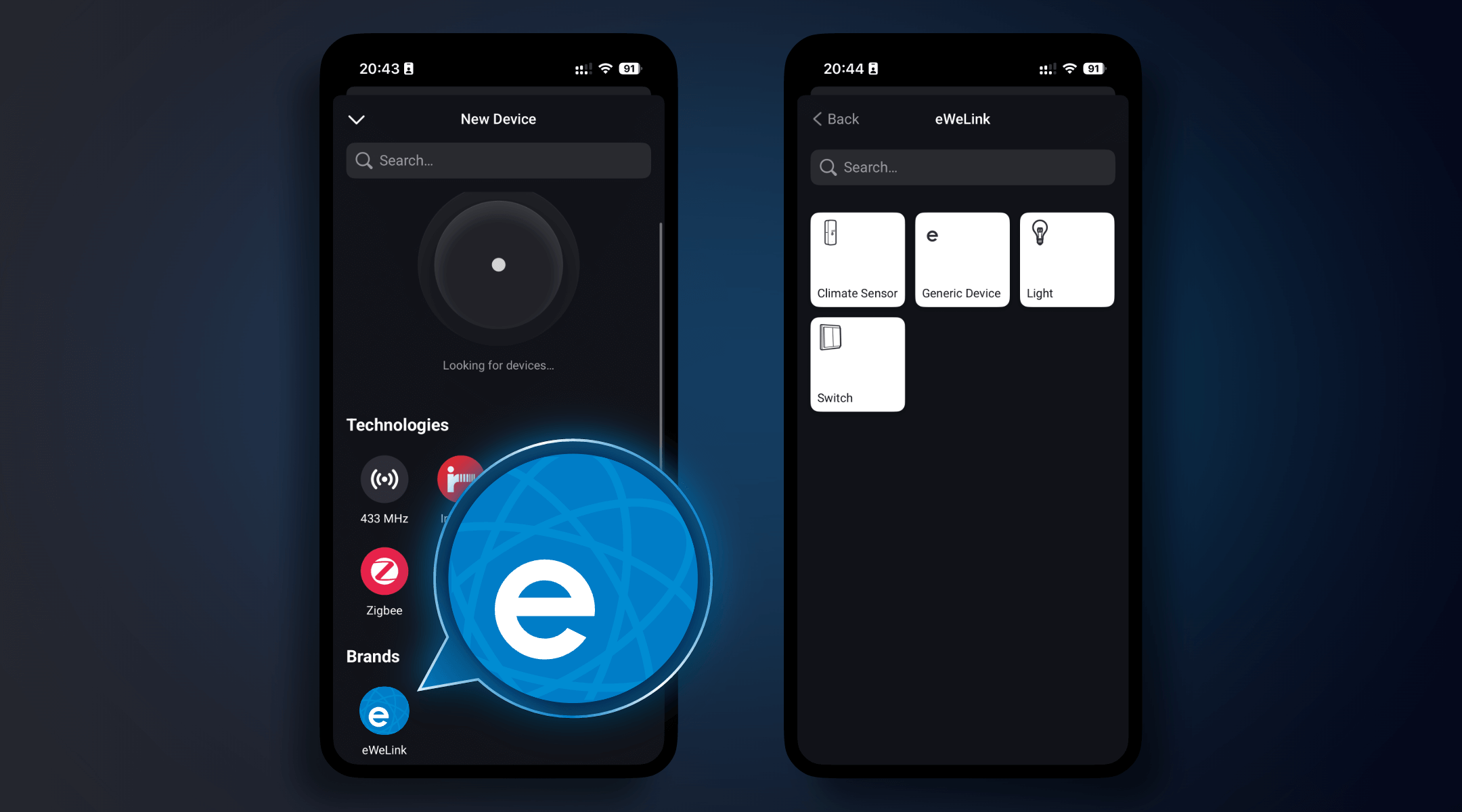
Syncing your devices is simple and quick. Here’s how:
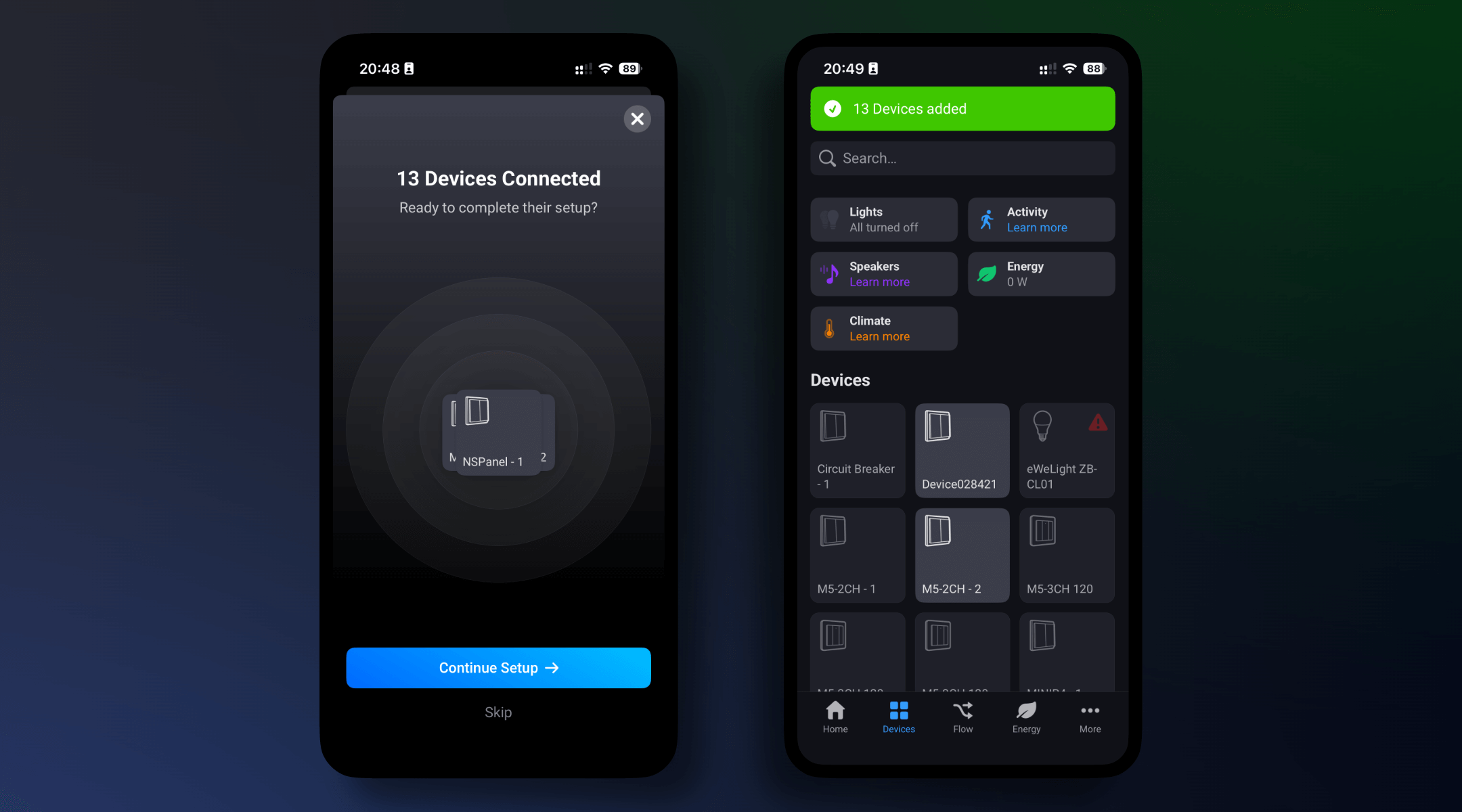
The eWeLink–Homey integration creates a unified platform where devices from different ecosystems can work together. This means fewer apps to switch between, more powerful automation, and a truly smart home experience tailored to your routines.
Whether you’re just starting out or already have a range of smart devices, connecting eWeLink with Homey gives you the flexibility to do more with less effort.
What important features are we missing? We’d love to hear from you! Join our discussion here.
See which Matter devices work with eWeLink and how to set them up.
Manage devices faster from the eWeLink Home page.
Run your favorite eWeLink manual scenes with Siri voice commands on your iPhone.
Set a duration to confirm device state and run scenes reliably.