Matter with eWeLink: Supported Devices, Setup, and Pairing Tips
See which Matter devices work with eWeLink and how to set them up.

Suppose you’ve ever scrolled endlessly through your scene list trying to find that one automation for “movie night” or “weekend getaway prep,” you’re not alone. As our smart homes get smarter, the number of scenes we create tends to multiply — and fast. That’s why the eWeLink app (V5.15 or later) introduces a small but game-changing feature: custom labels for scenes.
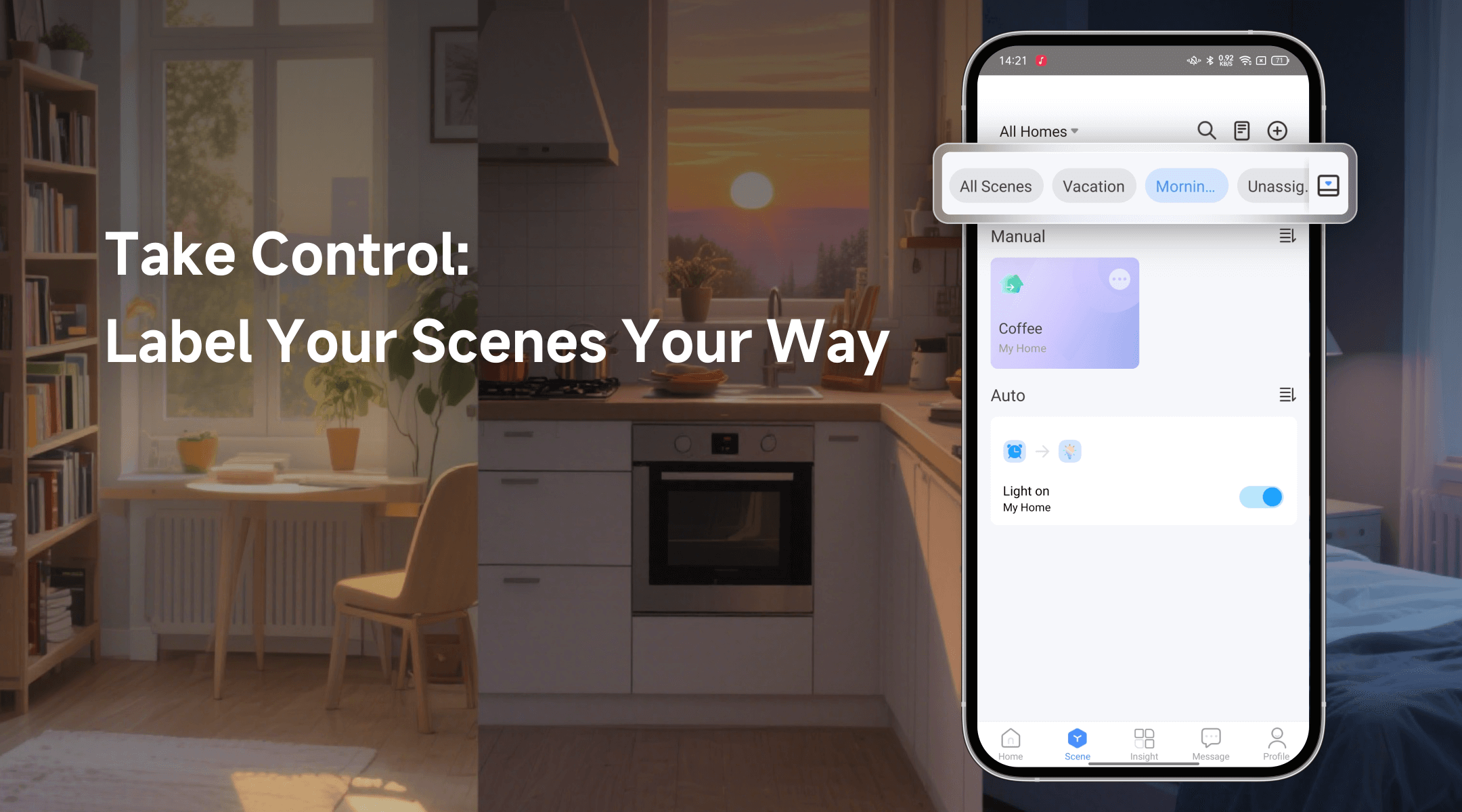
Think of labels as folders for your scenes — but smarter and more flexible. Instead of memorizing scene names or guessing which one does what, you can now tag them with custom labels that match how you think and live.
Going out for the weekend? Just tap on your “Vacation Prep” label. Want to dim the lights and turn on soft music? Your “Relax” label has everything ready. It’s an organization that adapts to your routines.
To add a label, just head to the Edit Scene page of any scene and go to Labels & Homes. You can add multiple labels to one scene, and these labels stay consistent across all your Homes — no need to recreate them for every setup.
Once you’ve labeled a few scenes, the app will show a label bar at the top of your scene homepage. It’s
You can create up to 20 custom labels, which should be plenty to cover most daily routines and use cases.
Picture this:
No more searching. No more clutter. Just the right scenes, right when you need them.
What important features are we missing? We’d love to hear from you! Join our discussion here.
See which Matter devices work with eWeLink and how to set them up.
Manage devices faster from the eWeLink Home page.
Run your favorite eWeLink manual scenes with Siri voice commands on your iPhone.
Set a duration to confirm device state and run scenes reliably.