Matter with eWeLink: Supported Devices, Setup, and Pairing Tips
See which Matter devices work with eWeLink and how to set them up.

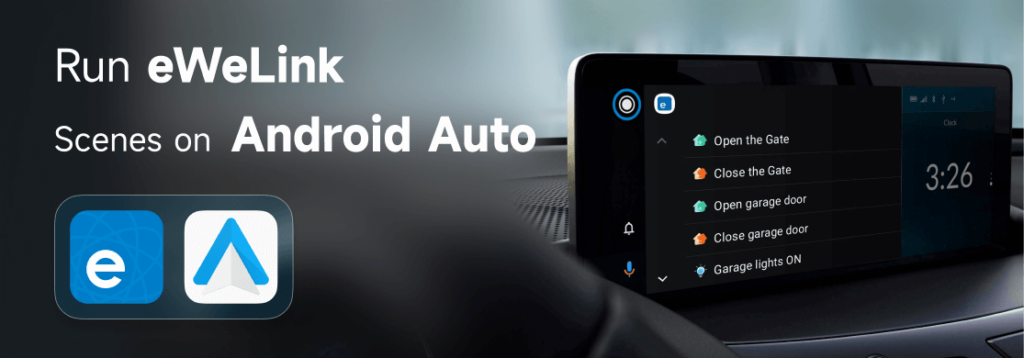
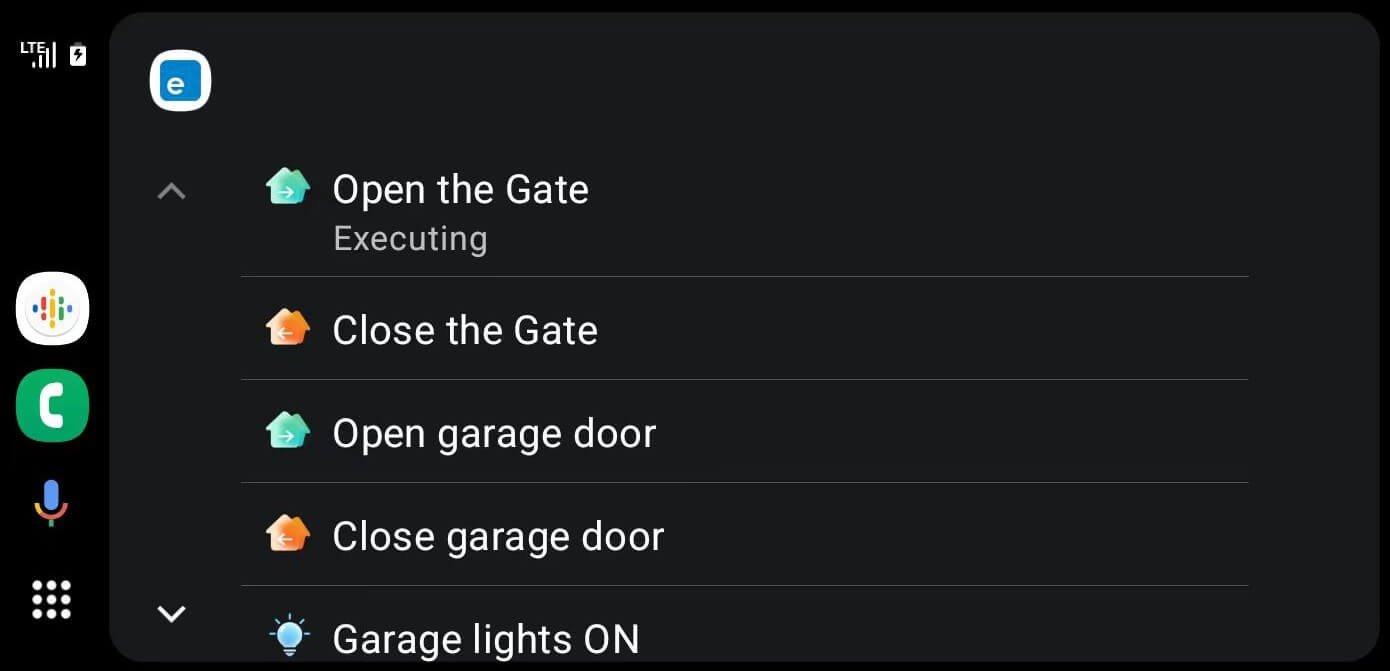
The eWeLink App V5.7 brings smart home control to your car with new Android Auto integration. Now you can trigger preset scenes with just a tap when driving a Android Auto supported vehicle. For example, create an “Arrive Home” scene by grouping actions like opening the garage door and turning on lights, add this scene to the Android Auto. When you arrive home, simply tap the “Arrive Home” on the center display, and your smart devices will automatically carry out the programmed actions, providing a seamless, automated experience.
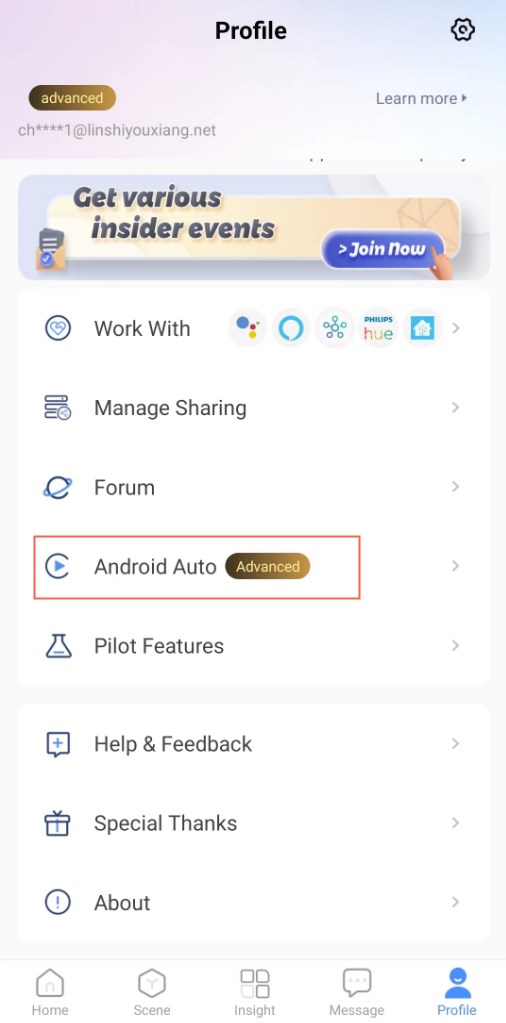
Note: For how to create a manual scene, go to the Scene tab to create a scene, in the If section, select ‘Tap to perform’ , and add your desired actions in the Then section.
Connect your Android Phone (with a USB cable)
If you have any trouble, refer to the Google Document here: Set up Android Auto
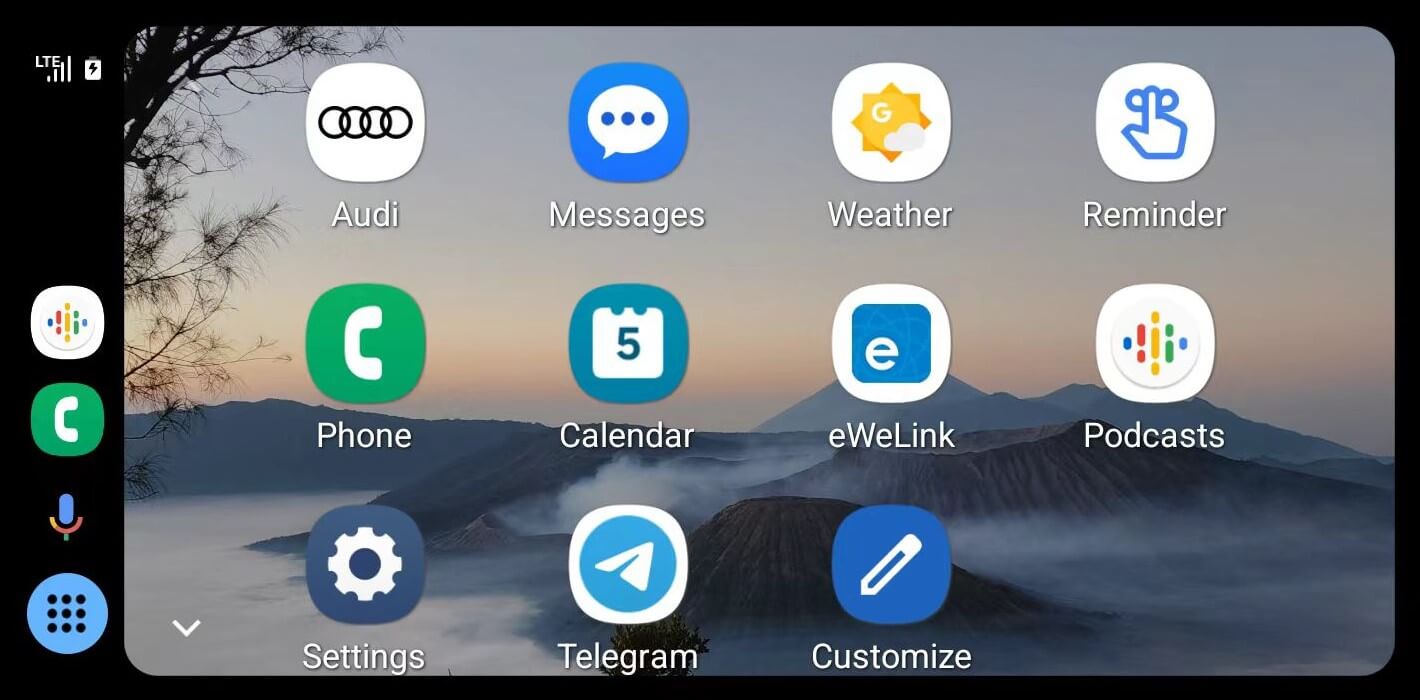
Run eWeLink manual scenes on Android Auto
Note:
Drive safely. Pay attention to the road and driving conditions, and always obey applicable laws.