A Comprehensive Guide to eWeLink Virtual Devices
Bridge smart home platforms and trigger entire scenes across ecosystems with a single virtual switch or button.

Staying comfortable at home shouldn’t mean constantly adjusting your thermostat. The Thermo Plugin, introduced in eWeLink App V5.18, takes the guesswork out of managing your home’s temperature. By combining temperature sensors with smart switches or thermostats, it helps you keep your space warm in winter, cool in summer, and energy-efficient all year round—automatically.
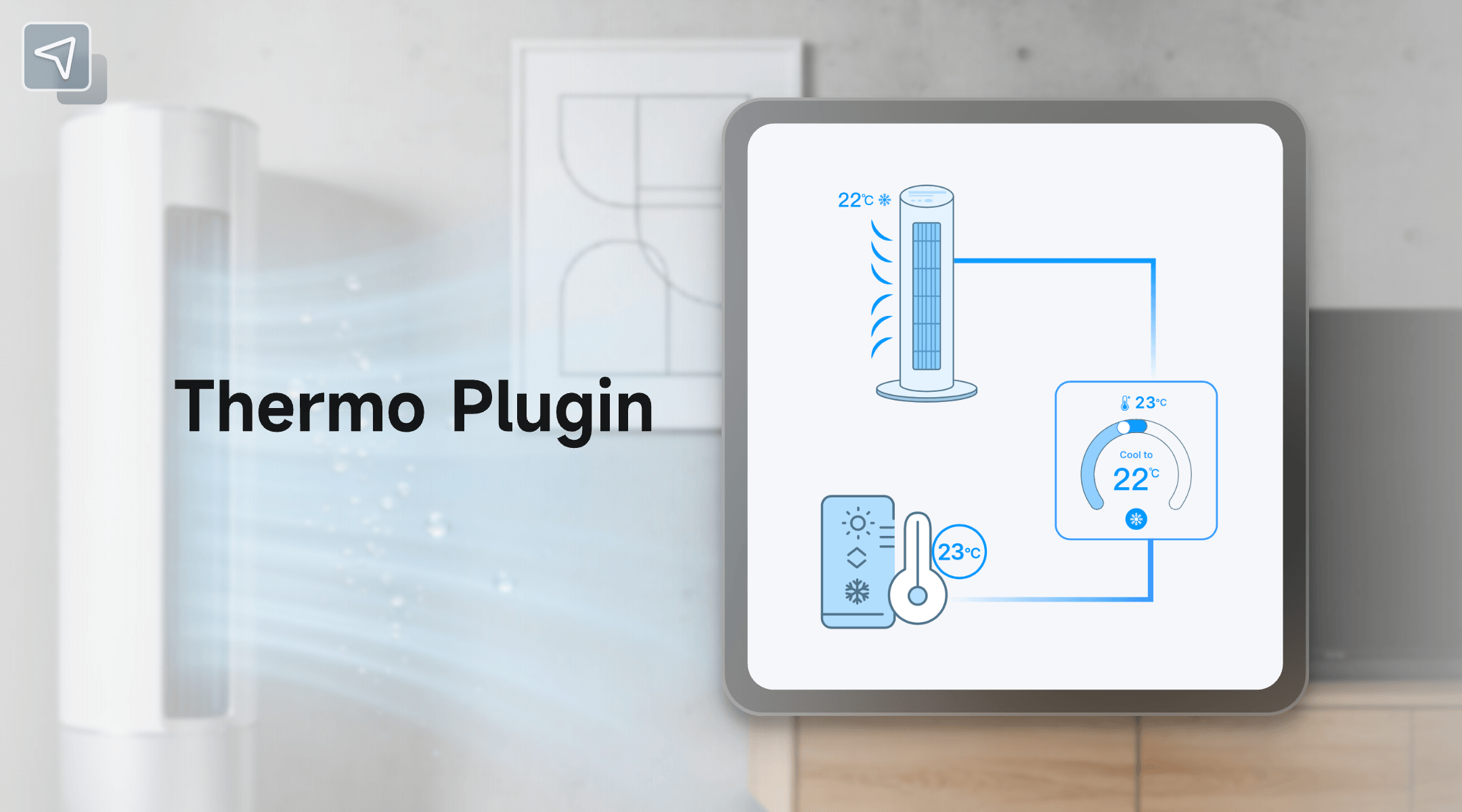
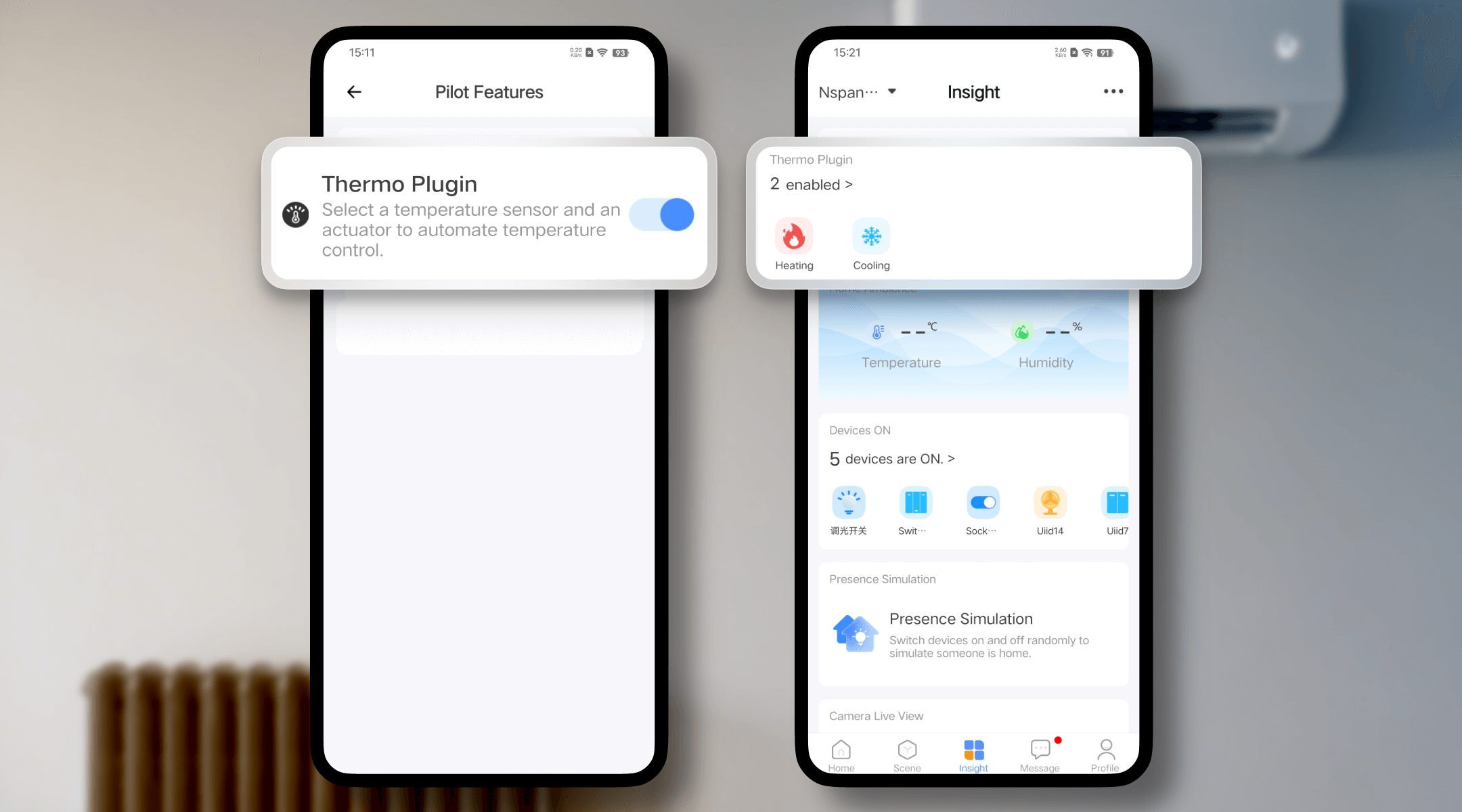
Getting your smart climate system up and running is easy:
Once paired, your devices will respond to real-time temperature readings—automatically switching on when needed and off when your preferred temperature is reached.
Need a room to stay at a steady temperature for a specific time? The Keep function lets you hold a temperature for a set duration.
Example: Maintain 26°C in your baby’s room for nap time, or keep your study at 25°C during your two-hour evening work session — all without manual control.
With scheduling, your room will always be ready when you are.
Example: Warm up your bedroom to 24°C at 7:30 AM so it’s cozy when you wake up, or have the living room cool down to 25°C before you arrive home from work on a hot afternoon.
Stay informed with easy-to-read charts that show both your target and actual temperature readings.
Whether you’re relaxing, sleeping, or away from home, the Thermo Plugin adapts to your needs. Choose from five preset modes—Comfort, Eco, Sleep, Home, and Away—or set your own preferred temperature between -10°C and 60°C (14–140°F).
Example:
The Temperature Deviation Alert helps you respond quickly when something feels off. You’ll receive a notification if your room’s temperature differs from the target by 3°C (37°F) or 5°C (41°F)—perfect for catching sudden changes and keeping your space comfortable.
The Thermo Plugin can act as either a trigger or an action in your custom scenes, adding even more automation possibilities.
Example:
Smart comfort is meant to be shared. The Thermo Plugin supports shared access, so your family or friends can also view and control the temperature.
Sharing Highlights
The eWeLink Thermo Plugin redefines how you manage home comfort. It learns your preferences, follows your schedule, and maintains the ideal temperature without manual effort. Whether it’s a chilly winter morning or a warm summer evening, your smart home has it covered.
What important features are we missing? We’d love to hear from you! Join our discussion here.
Bridge smart home platforms and trigger entire scenes across ecosystems with a single virtual switch or button.
Experience real-time monitoring and instant device control from the same screen.
Automate your home climate with the eWeLink Thermo Plugin—smart, simple, and shareable.
With the eWeLink app V5.22, Prime members get higher limits for virtual devices, thermostat plugins, and device sharing.